A whole night, one pass
Auto Integrate Script
Raw frames to a finished stack in one pass — grouped by filter and exposure, calibrated, aligned and integrated, with every per-frame measurement written out beside the result.
Windows desktop application
One window on your own machine. Raw frames go in on the left, the image opens in the middle, and every process is a panel you open beside it. Nothing is uploaded and there is no project format to get back out of.
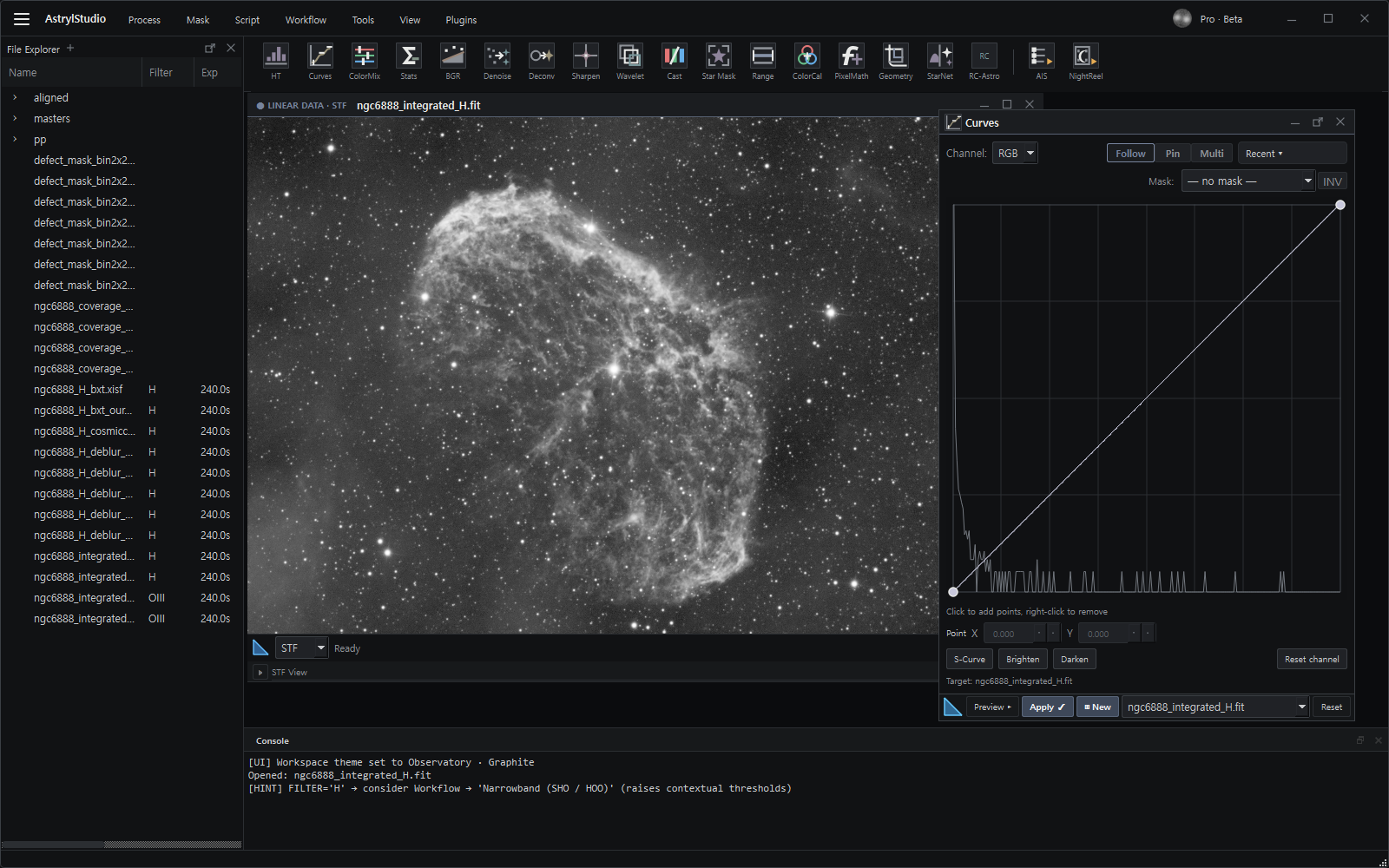
What it does
Point it at folders of raw frames or a whole archive. The single-image processes — stretch, colour, denoise — come afterwards, on the result.
A whole night, one pass
Raw frames to a finished stack in one pass — grouped by filter and exposure, calibrated, aligned and integrated, with every per-frame measurement written out beside the result.
An archive, read-only
Indexes an archive from its headers without moving or renaming a thing, then answers questions across folders: which darks match this light, what is duplicated, which frames are in the wrong place.
At the telescope
Stack while the session is still running, with the same per-frame quality control the full path uses — the real measured stack, not a preview thrown away at the end.
Make it yours
The whole window re-colours from one menu — dark by default, coloured darks, and a warm light theme for a lit room. Your choice is saved and comes back on the next launch. Same window, same data; tap a colour.
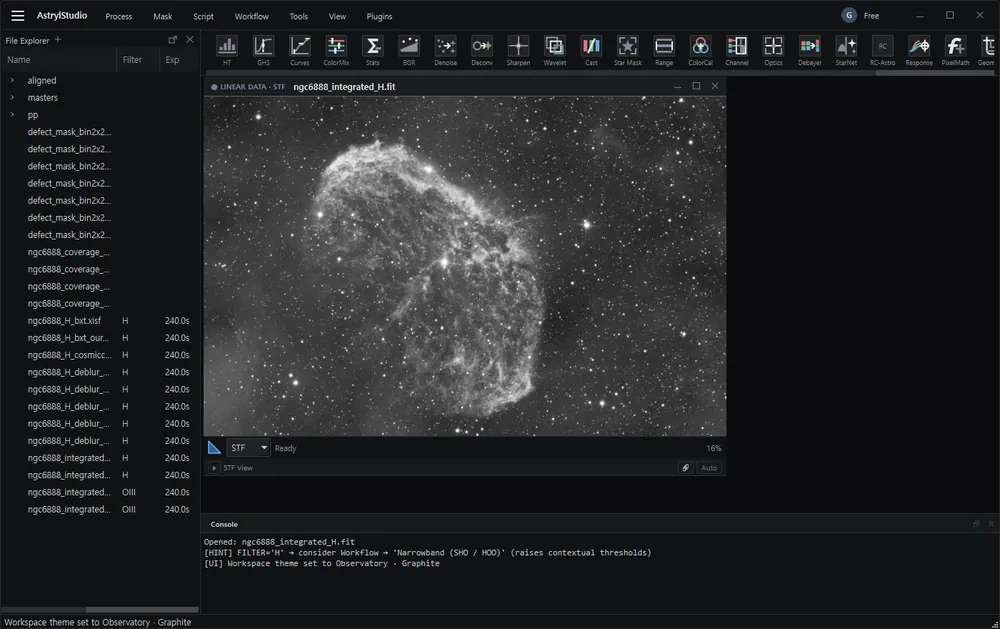
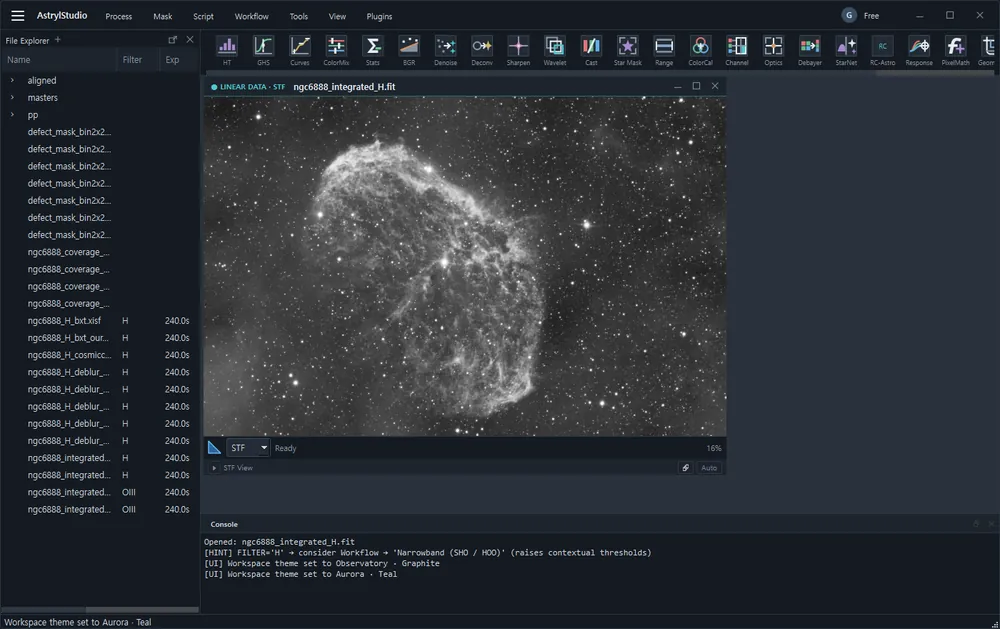
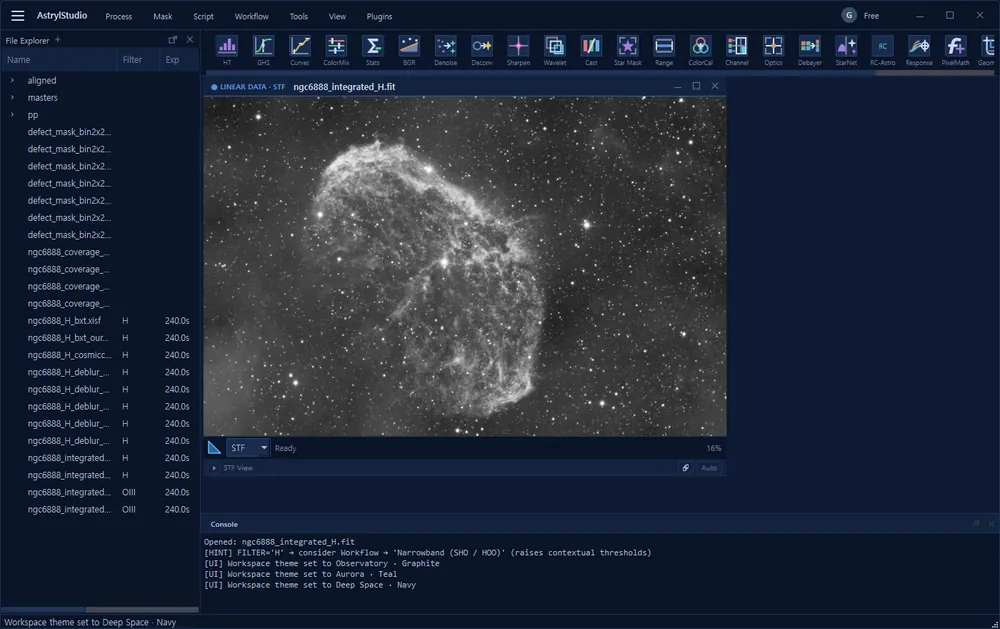
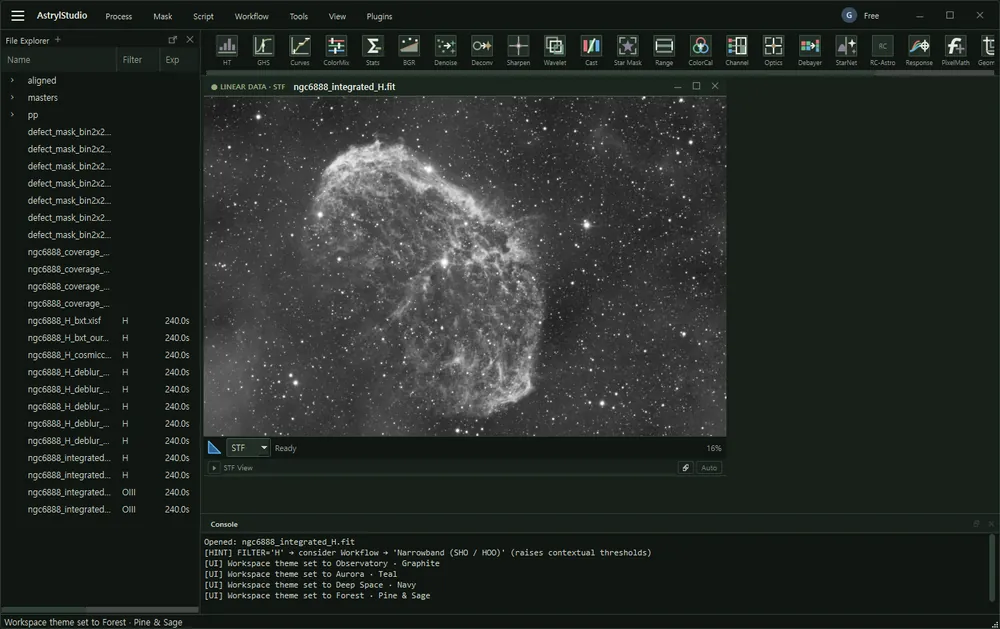
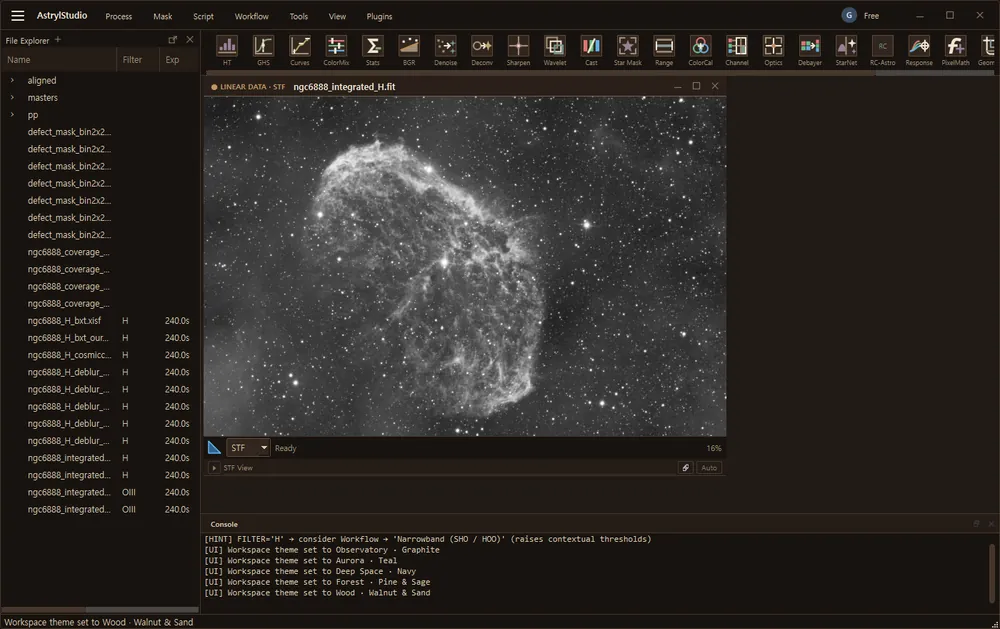
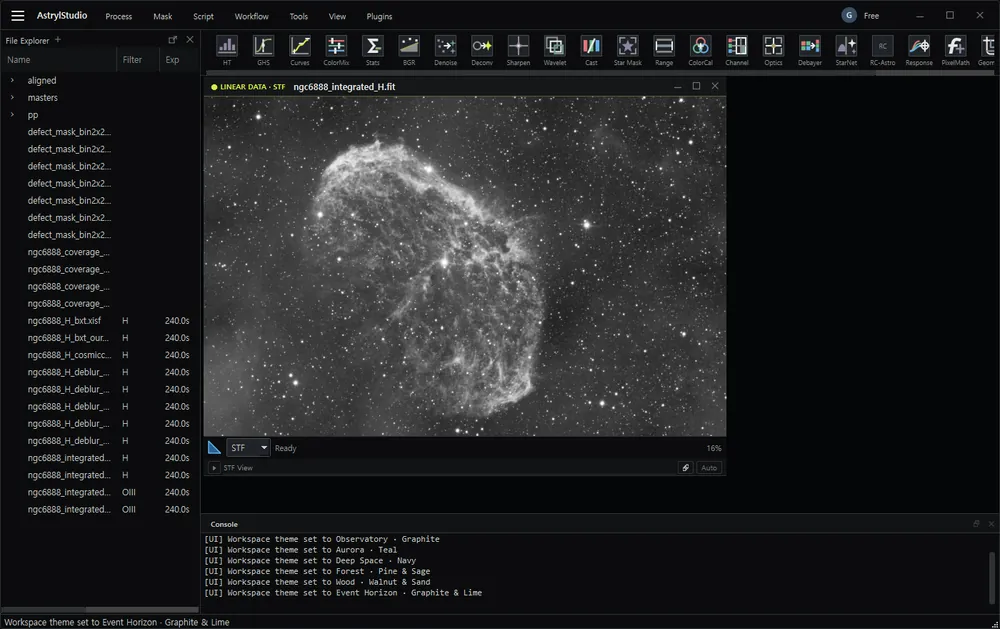
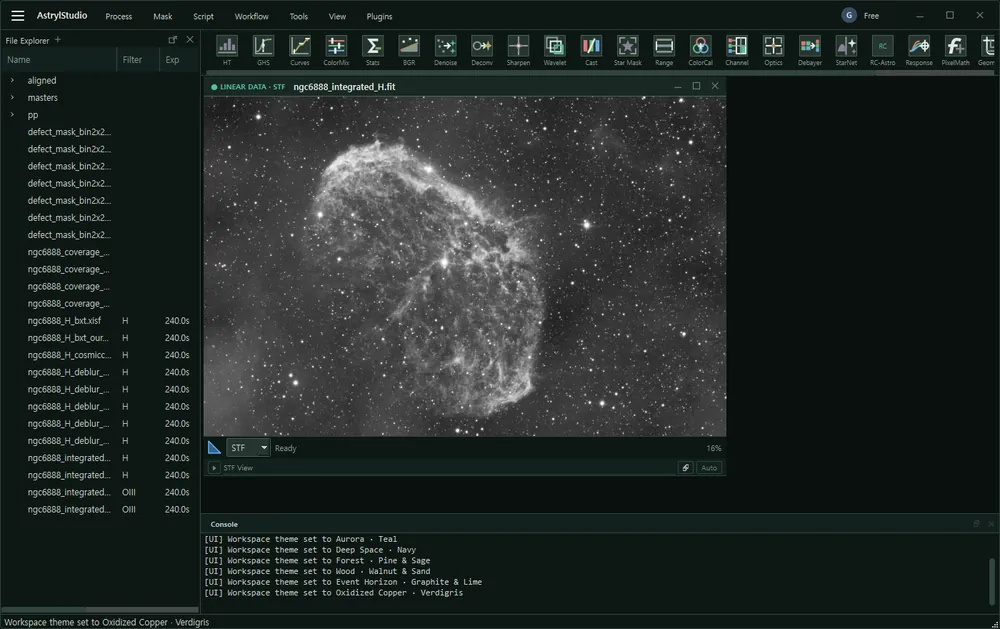
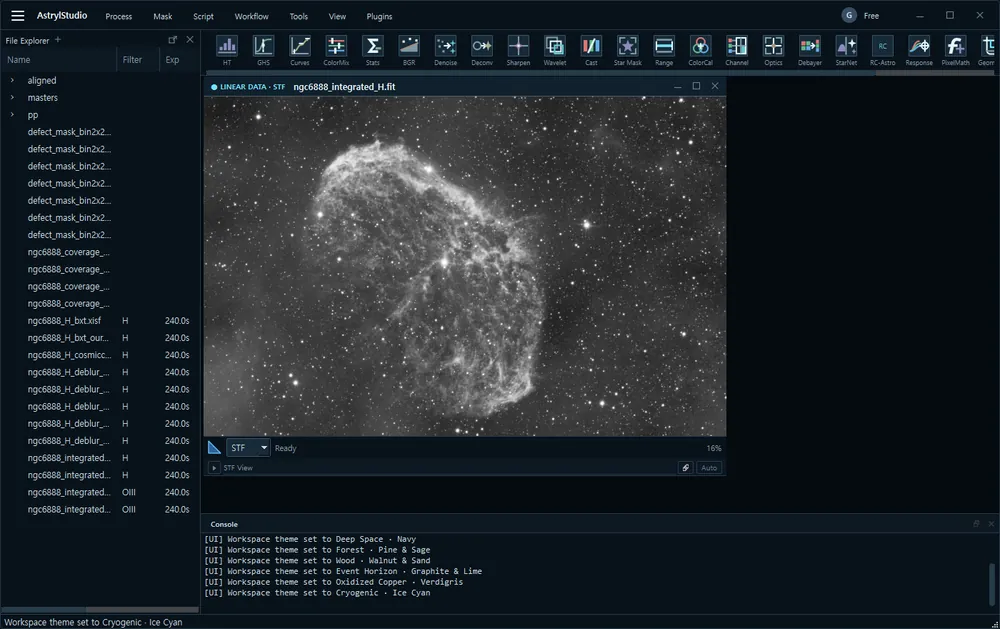
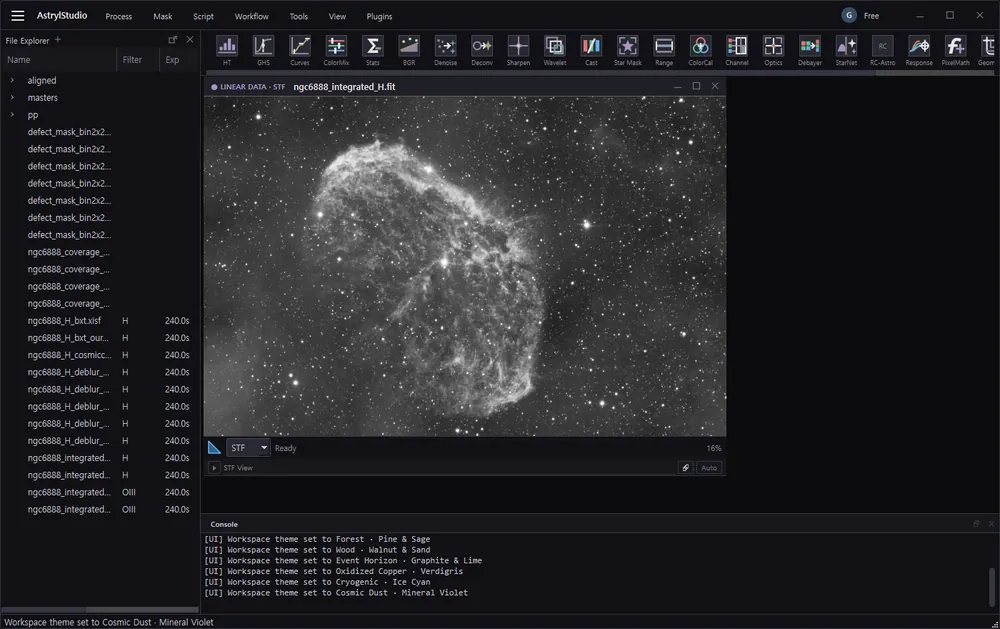
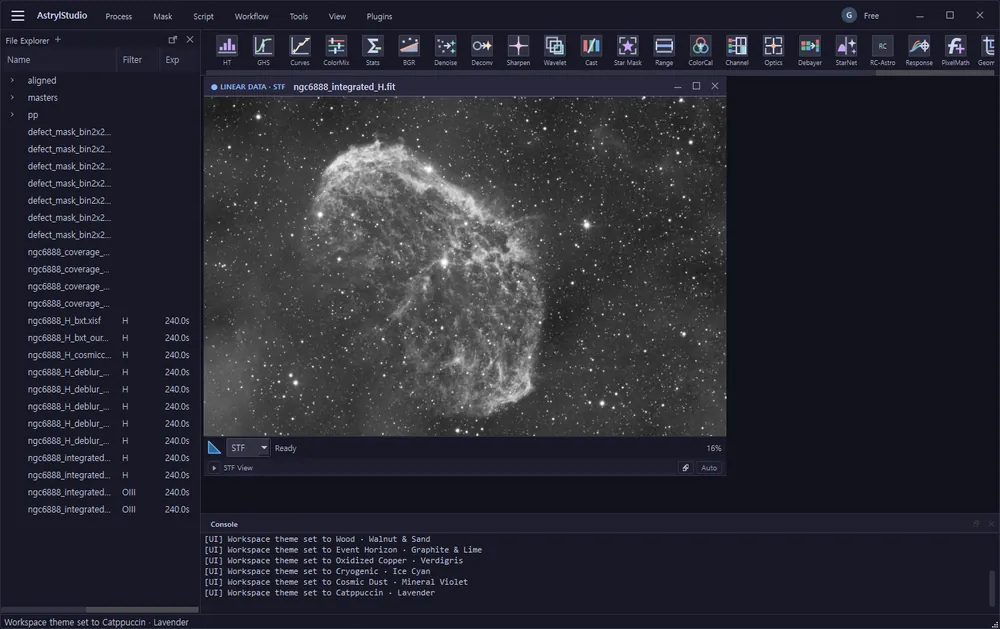
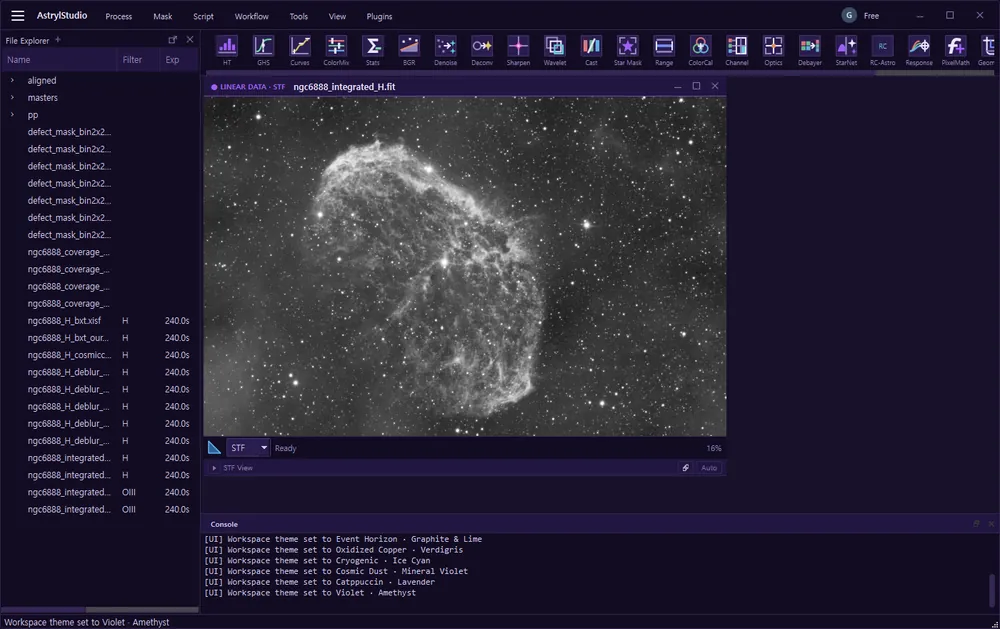
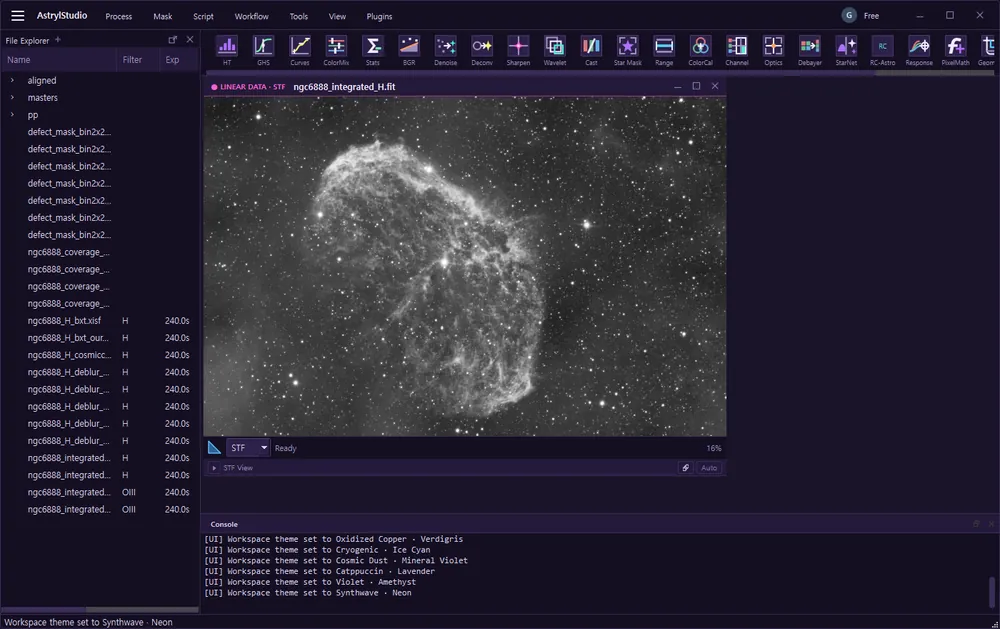
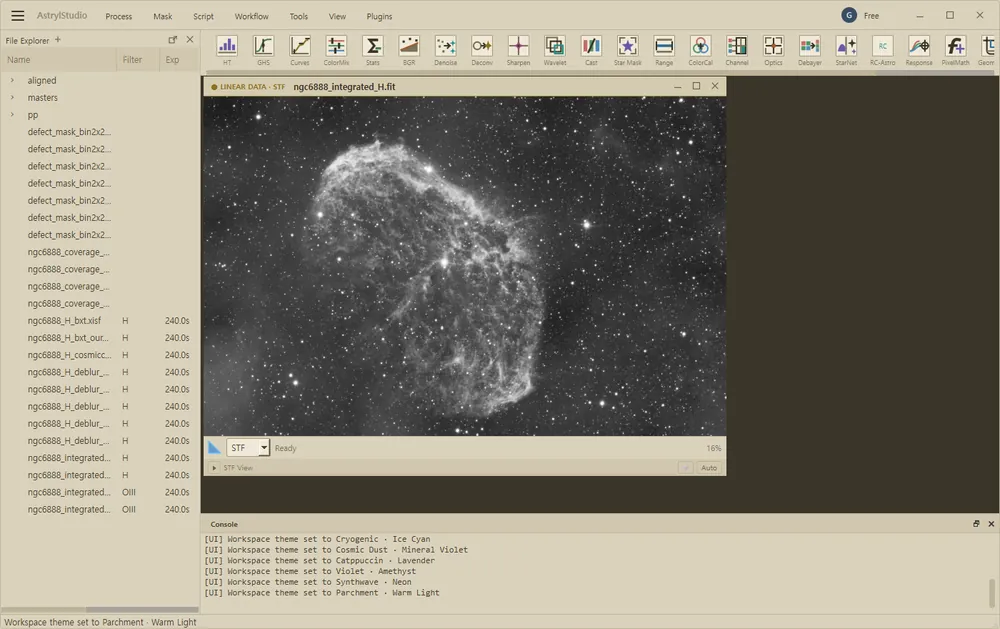
Observatory · Graphite — default
Invitation-only build for Windows 10 and 11, 64-bit. FITS and XISF in, FITS out. Images are processed on your machine and are never uploaded. The app uses the network only for these, all of which you can see: signing in and checking your licence if you hold one, fetching the price list, release notes and plugin list from this site, downloading a Gaia catalogue or looking up a target name when you ask it to, and run reports, which this beta sends by default and tells you about; switch them off in Settings > Account > Run reports.
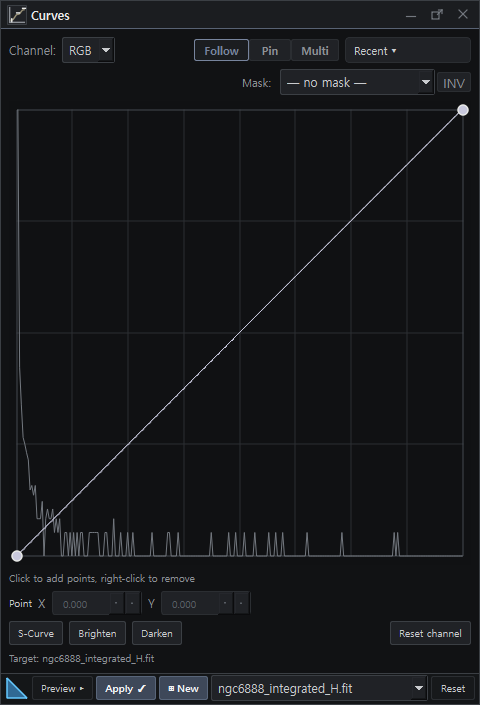
The workspace
Calibration, registration and integration run from folders of raw frames to a finished stack in one pass. Everything after that is a process you drag onto the open image — stretch, background, colour, denoise, deconvolution — with a preview before anything is applied.
It runs on your own machine. Images are never uploaded; the network is used for a few things you can see, and no image ever goes out.
See what each step doesWhat it leaves behind
Integration measures every sub before it decides what to do with it, and writes those measurements next to the result. Below is that file from a real run — 104 rows, one per frame, five of them shown.
| frame | rank | score | fwhm | ecc | weight % | rejected px % |
|---|---|---|---|---|---|---|
| pp_cgn6888-0012-H_20260509.fit | 1 | 80.29 | 5.897 | 0.321 | 1.496 | 1.682 |
| pp_NewGC6888-0003-H_20260530.fit | 2 | 79.08 | 6.022 | 0.353 | 1.498 | 2.302 |
| pp_cgn6888-0003-H_20260509.fit | 3 | 78.88 | 5.878 | 0.385 | 1.585 | 1.963 |
| … | … | … | … | … | … | … |
| pp_cgn6888-0008-H_20260509.fit | 103 | 74.91 | 7.375 | 0.308 | 0.456 | 2.284 |
| pp_cgn6888-0009-H_20260509.fit | 104 | 69.92 | 7.712 | 0.468 | 0.473 | 2.033 |
quality_plan_H.csv, written beside the stack. The frame ranked first carried 3.2 times the weight of the one ranked last, and the file says so. Nothing to export and no project file needed to open it — and the target is spelled two different ways even in these five rows, five ways across the file, because that is how the frames arrived.| Calibration | Master bias, dark and flat with dark-flat pairing, exposure-scaled dark subtraction, CFA-aware cosmetic correction and pedestal handling. |
|---|---|
| Registration | Star-based alignment with sub-pixel Lanczos-3 resampling, optional drizzle integration, and per-frame alignment residuals you can read back. |
| Integration | Winsorized sigma, percentile, linear-fit and ESD rejection through one shared engine, with local normalization and rejection maps kept on disk. |
| Plate solving | A built-in solver against a local Gaia catalogue — no astrometry.net, no network at solve time. The WCS is written into the FITS header. |
| Repeatable runs | Save a sequence of processes as a recipe and re-run it on another night. Parameters and run logs are stored with the output. |
| Provenance | Per-frame quality measurements, the accept and reject decision for every sub, and headers that record what was applied — kept next to the images. |
Frames taken and reduced on the same machine the app runs on.
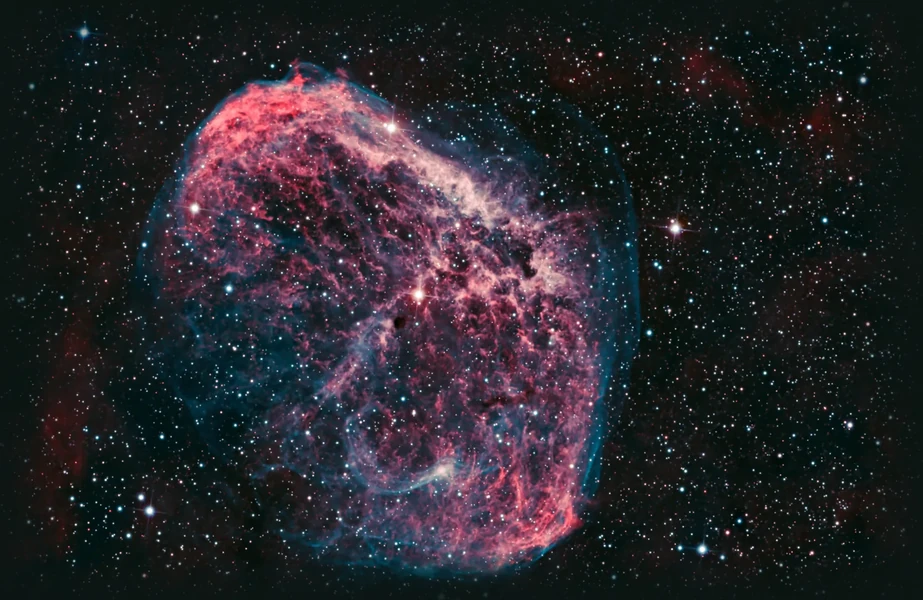
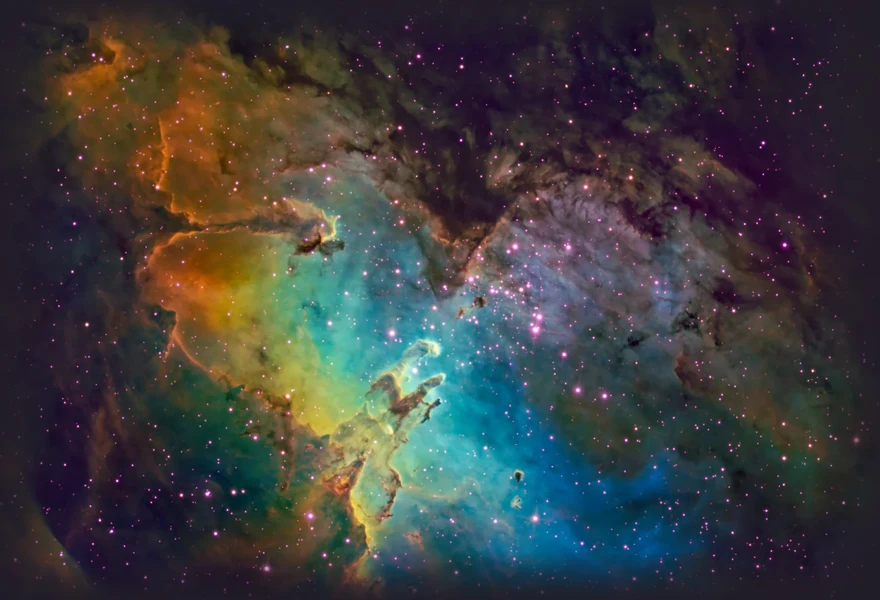
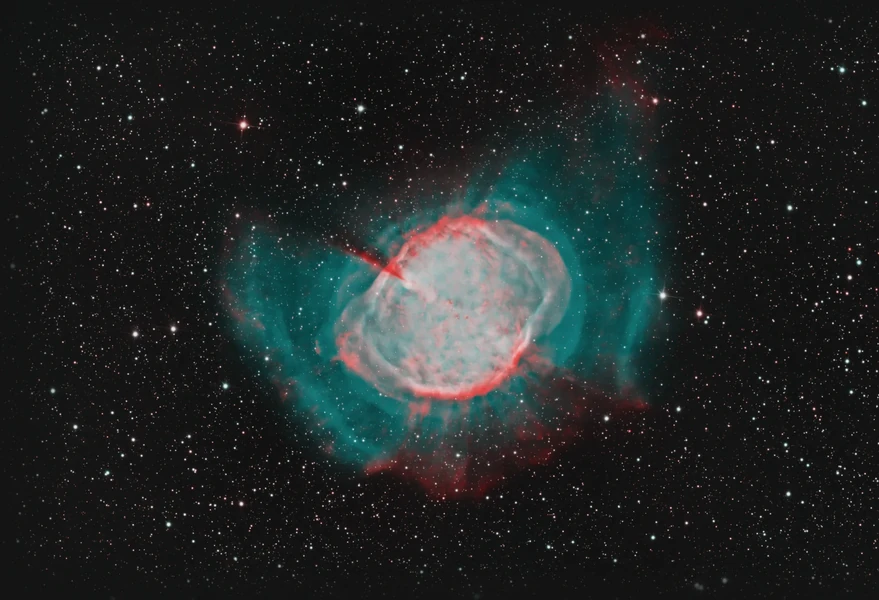
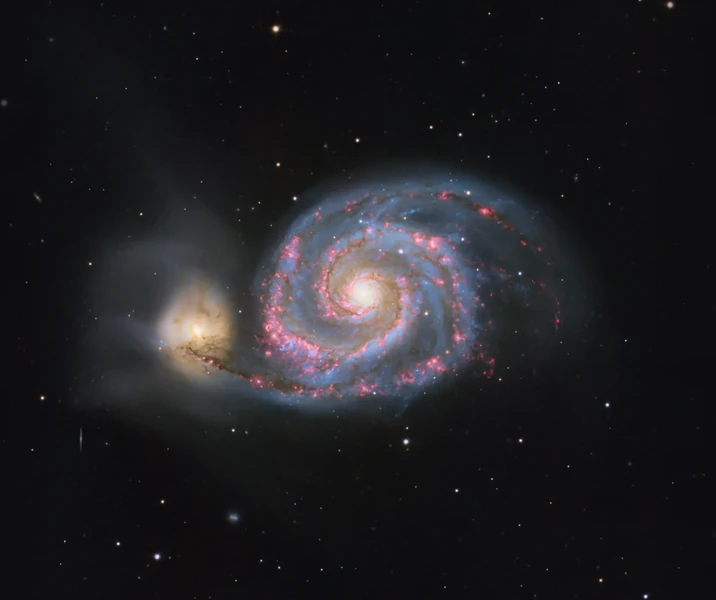
Click a frame to bring it forward · ← → to step
Current limits and answers.
Private beta, invitation only. Calibration, registration and integration are the stable core; the interface is still moving.
FITS and XISF for reading, and FITS as the working format. For delivery, Export writes TIFF, PNG and JPEG with the on-screen stretch baked in — 16-bit where the format allows it, and the app tells you when it cannot.
No. All image processing happens on your machine and no pixel data leaves it. The network is used for licence sign-in, the price list and release notes, Gaia catalogue downloads and target lookups you ask for, and run reports: a release build asks before sending any, and the invitation-only beta sends them by default and says so.
Windows 10 or 11, 64-bit, with 16 GB of RAM as a sensible floor for full-frame stacks. No GPU is required — the current build runs its processing on the CPU.
Through ordinary files and headers. Nothing here asks you to leave the suite you already know — keep your flow, and add AstrylStudio where you want session structure and measurement.